
PNG to STL: turn a logo or picture into a 3D print
Upload a logo, badge or drawing. Remeshy traces each colour, raises it on a plate and gives you a model to print: a 3MF for multi-colour printers, or an STL.
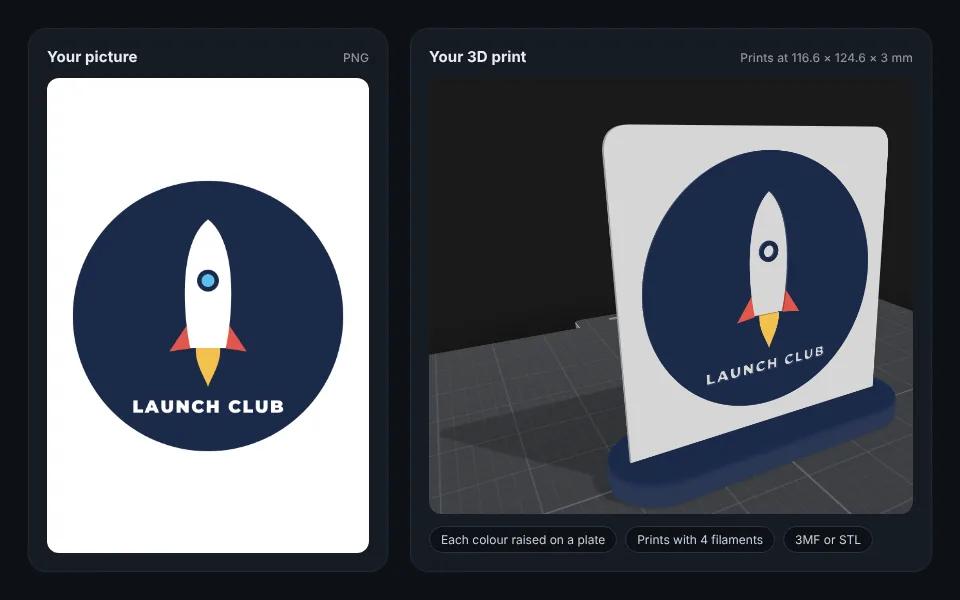
Now try it with your own picture
How to convert a PNG to STL
Add your picture
Drop it in the box at the top of this page, or pick it from your phone. Logos, badges, signs and drawings in flat colours work best.
Check the colours
Each colour becomes its own raised part. Change any colour to match your filament, or tap Fewer colours to fit your printer.
Choose the plate and size
Set the logo’s size in millimetres, how high the colours stand, and the plate: rounded, rectangle, circle, one that hugs the logo, or none. Add a stand for a desk sign.
Download and print
Tap Download. A 3MF opens in Bambu Studio, OrcaSlicer and PrusaSlicer with each colour on its own filament; an STL is the whole model in one file, for any printer.
What you get
- Each colour as its own raised part, at the height you choose.
- A 3MF with each colour on its own filament, for an AMS or another multi-colour printer.
- An STL of the whole model, for any printer.
- A real size: the logo at the width you set in millimetres.
- A filament count, and Fewer colours when a design has more colours than your printer holds.
Lines too thin to print at the size you choose are thickened, so they still print.
Want a full 3D model instead?
This turns a flat picture into a raised, layered print, like a sign or a badge. To make a full 3D model of a toy, a pet or a person from a photo, use image to STL.
Questions people ask
Do I need to install anything?
No. It works in your browser on a computer or a phone, and in the Remeshy app for iPhone and Android.
Can I print it in more than one colour?
Yes. Download the 3MF and each colour comes in on its own filament in Bambu Studio, OrcaSlicer and PrusaSlicer. On a single-colour printer, print the STL, or change filament at the layer where the colours start.
Can I convert a JPG or a logo to STL too?
Yes. PNG, JPG and WebP pictures all work, and logos are what it does best. For SVG files, see SVG to STL.
How big can it be?
The logo can be from 20 to 250 mm across, on a plate up to 300 mm. Pick a size that fits your printer’s bed.
Does it come with a stand?
If you want one. Pick Pill, Block or Leaning, and the stand prints as a second piece that the plate pushes into.
What pictures work best?
Flat colour art with clean edges: logos, badges, signs and drawings. For a photo of a real object, use image to STL instead.
Turn your picture into a 3D print
Pick a picture and see it raised in 3D in seconds.