
How to open an STL file on any device
An STL is a 3D model, usually for 3D printing. The quickest way to look at one is in your browser, on any phone or computer. Here’s that, and the free programs that open STL on Windows and Mac.
Free ways to open an STL
| Program | Works on | Good for |
|---|---|---|
| Remeshy STL viewer | Any browser: iPhone, Android, Windows, Mac | A quick look, the size in mm, STL to 3MF |
| Bambu Studio | Windows, Mac, Linux | Slicing and printing, Bambu Lab printers especially |
| PrusaSlicer | Windows, Mac, Linux | Slicing and printing |
| OrcaSlicer | Windows, Mac, Linux | Slicing and printing, many printer brands |
| UltiMaker Cura | Windows, Mac, Linux | Slicing and printing |
| Blender | Windows, Mac, Linux | Changing the model itself |
| Preview | Mac (built in) | A quick look at STL and OBJ, not 3MF |
All of these are free. The slicers also open 3MF and OBJ.
Open an STL in your browser
Choose the file
Tap Open an STL, 3MF or OBJ file at the top of this page, or drag the file onto it.
Look around it
Drag to turn it; pinch or scroll to zoom.
See the size
Tap the file’s name at the top for its size in millimetres, triangles and volume.
Nothing is uploaded: the file opens in your browser. It works the same on a phone, a tablet or a computer.
What you’ll see
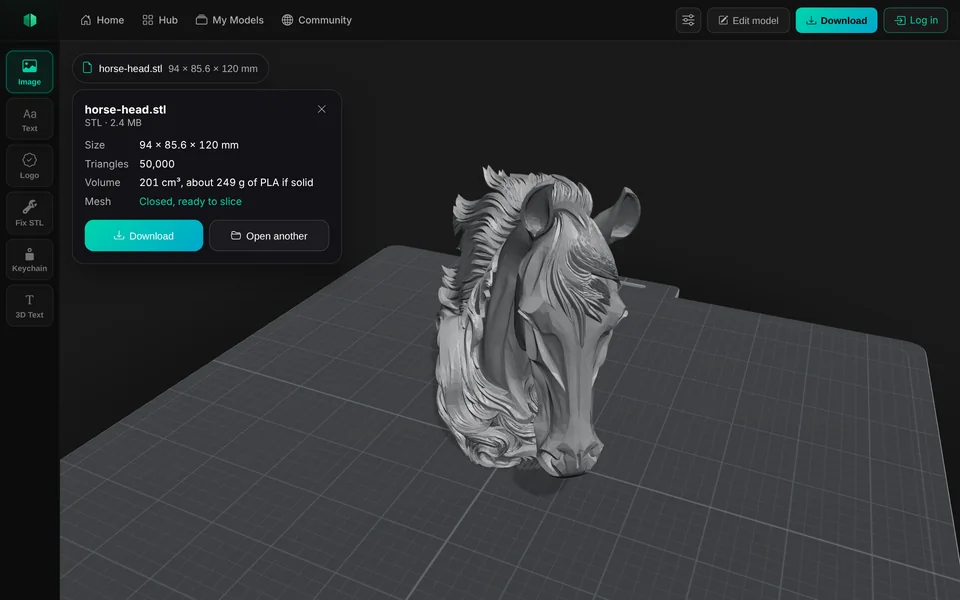
On Windows
Windows used to open STL files in 3D Viewer. Microsoft deprecated it in February 2026 and removed it from the Microsoft Store on 1 July 2026; it still works where it’s installed, but new PCs don’t have it.
Instead, open the file in your browser on this page, or install a free slicer such as Bambu Studio, PrusaSlicer, OrcaSlicer or Cura and drag the STL onto its build plate.
On a Mac
Double-click the STL, or open it with Preview: Preview shows STL and OBJ models in 3D. It doesn’t open 3MF, so use this page or a slicer for those.
On iPhone, iPad and Android
Open this page in Safari or Chrome, tap Open an STL, 3MF or OBJ file and choose it from Files, Downloads or a cloud drive. There’s a step-by-step guide for iPhone and iPad and one for Android.
Opening an STL in other programs
Bambu Studio, OrcaSlicer, PrusaSlicer, Cura
Drag the STL onto the build plate, or use Import in the File menu.
Blender
File, Import, then STL. Blender may show it very small or very large: STL has no units.
Lychee and Chitubox (resin)
Drag the STL onto the plate.
A file that won’t open
It may be damaged or not finished downloading. Download it again, or run it through Remeshy’s free STL repair.
No STL yet? Make one
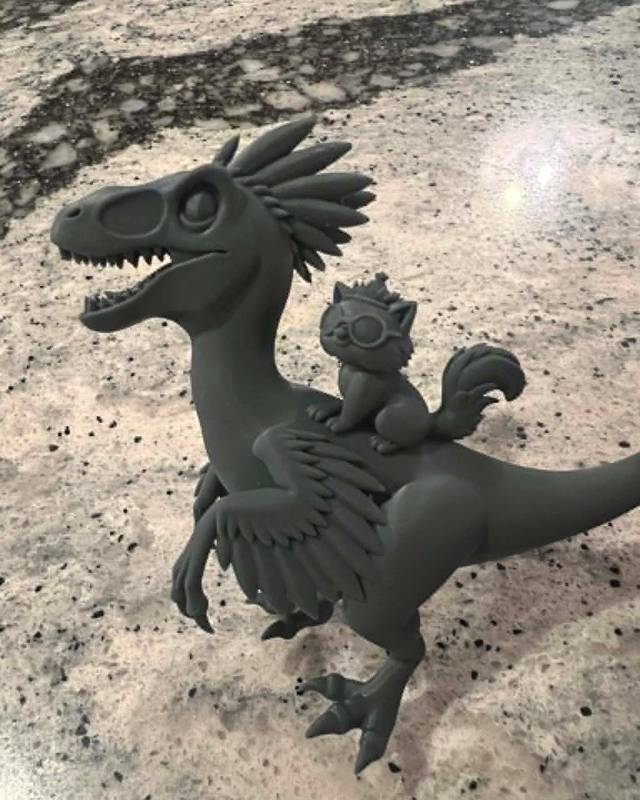
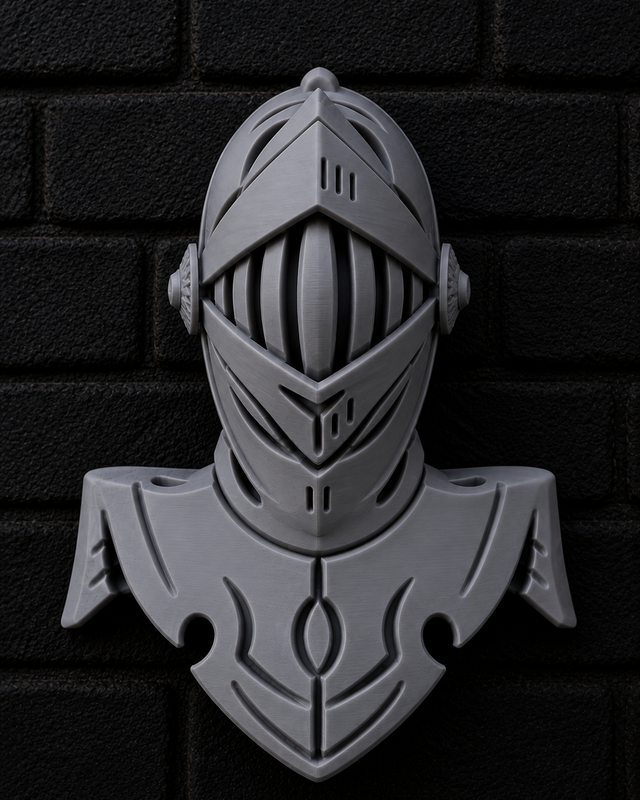
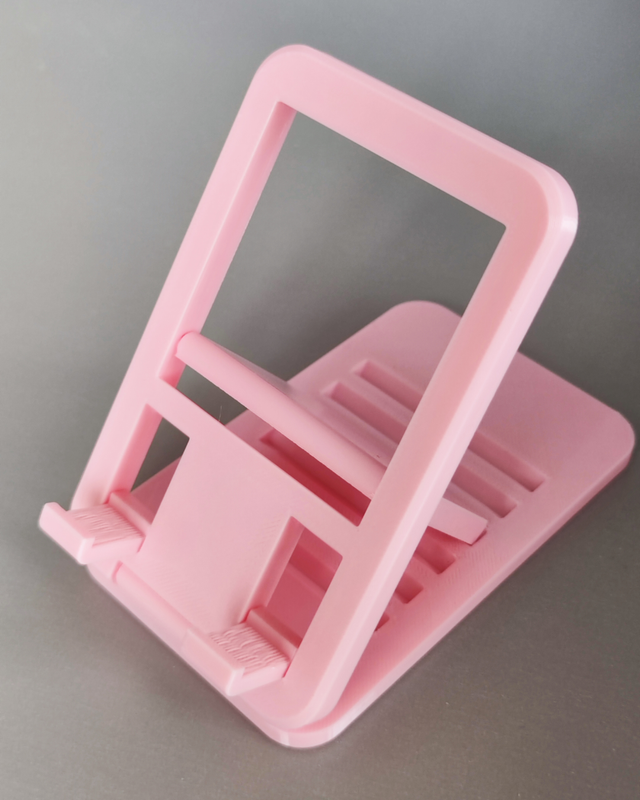
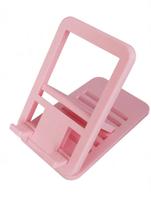
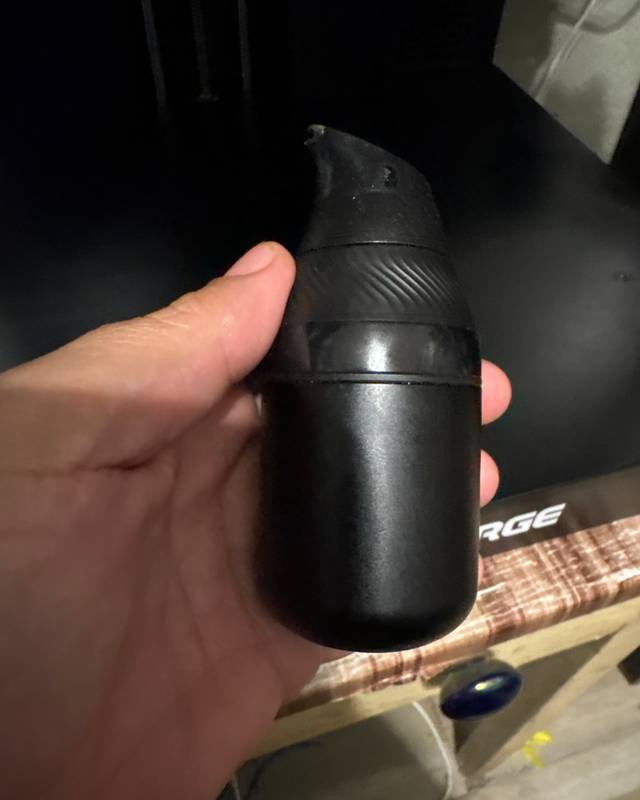
Real prints by Remeshy users. Each model started as a photo or a few words, made in Remeshy.



Questions people ask
What is an STL file?
A 3D model made of triangles, the most common file type for 3D printing. It holds the shape only: no colours and no units.
Can I open an STL file without installing anything?
Yes. Open it on this page in any browser. It works on phones, tablets and computers, and the file isn’t uploaded.
What program opens STL files on Windows 11?
Any slicer, such as Bambu Studio, PrusaSlicer, OrcaSlicer or Cura, all free. Microsoft’s 3D Viewer was removed from the Microsoft Store in July 2026. Or use this page in your browser.
Why does my STL look tiny or huge?
STL has no units. Slicers and this viewer read millimetres, so a model made in inches or metres looks far too small. Set its height in the viewer or your slicer.
Can I edit an STL file?
You can lay it flat, turn it, resize it and add a base in the viewer, then download it. To change the shape itself, use an STL editor or Blender.
Can I convert an STL to 3MF?
Yes. Open it here, tap Download and choose 3MF.
Make your own STL
Remeshy turns a photo or a few words into a 3D model you can print.