
Logo to SVG: turn a logo picture into a sharp vector
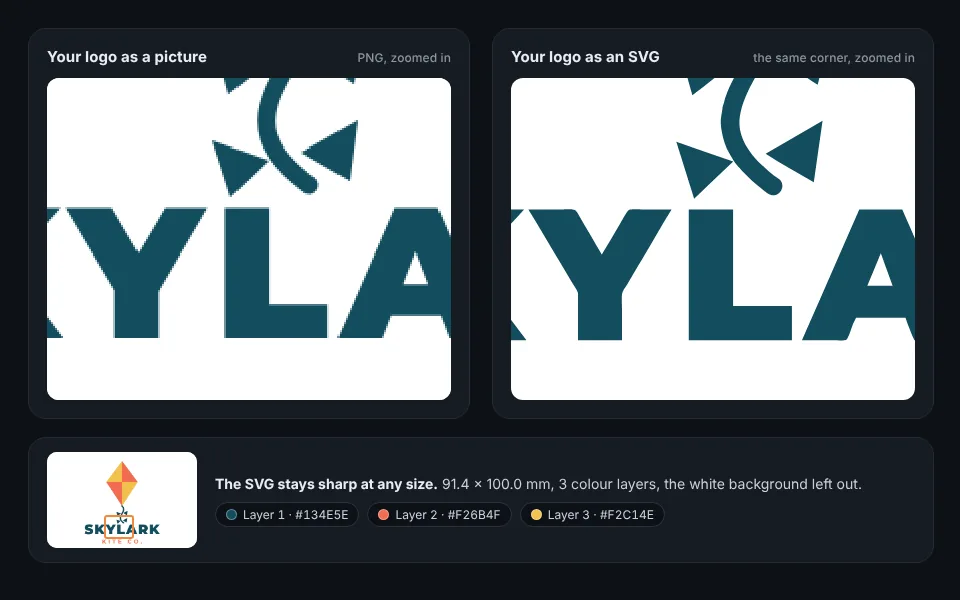
Only have your logo as a PNG or JPG? Upload it. Remeshy traces each colour into smooth shapes and gives you an SVG that stays sharp at any size, one layer per colour.
Now try it with your own logo
How to convert a logo to SVG
Add your logo
Drop it in the box at the top of this page, or pick it from your phone. Use the biggest, cleanest copy you have: from your website, a PDF or a screenshot.
Check the colours
Each colour in the logo becomes its own layer. Change any colour, or tap Fewer colours if a shadow or soft edge came out as an extra one.
Let the AI clean it up
Every logo is redrawn by AI in flat colours before it’s traced, so a small, blurry or speckled copy still comes out clean.
Download the SVG
Choose a width in millimetres, tap Download and choose SVG. It opens in Illustrator, Inkscape, Figma, Canva, Cricut Design Space and LightBurn.
What you get
- Smooth vector shapes, so the edges stay sharp however big you print or cut it.
- One layer per colour, filled with that colour and named with its colour code.
- Only the logo: the background colour is left out, so it sits on any colour.
- Holes kept open: the insides of letters like A, O and R stay clear.
- A real size in millimetres, so it cuts or prints at the width you set.
Tracing redraws your logo from its picture, so the tiniest details of a small picture can soften. Start from the largest copy you can find.
Where to use it
Vinyl and stickers
Cut each colour from its own vinyl on a Cricut or Silhouette, then layer them up.
Laser engraving
Give each colour layer its own engrave or cut step in LightBurn or on a Glowforge.
Print and web
Open it in Illustrator, Inkscape or Figma for business cards, shirts and your website.
A 3D sign
The same logo becomes a multi-colour 3D print with each colour raised on a plate. See <a href="/png-to-stl">PNG to STL</a>.
Questions people ask
Do I need to install anything?
No. It works in your browser on a computer or a phone, and in the Remeshy app for iPhone and Android.
Will the SVG keep my logo’s colours?
Yes. Each colour becomes its own layer filled with that colour: up to seven colours plus the background, which is left out.
My logo is a small, blurry JPG. Will it work?
Yes. Every logo is redrawn by AI in flat colours before it’s traced, which gives clean edges even from a blurry or speckled copy. The biggest copy you can find still works best.
Can I edit the SVG afterwards?
Yes. It’s a standard SVG made of filled shapes, one group per colour, so you can change colours or shapes in Illustrator, Inkscape or Figma.
Does it work for a one-colour logo?
Yes. Choose One colour to get a single layer in the colour you pick, for stamps, stencils and engraving.
Can I get a DXF too?
Yes. Choose DXF in the same download for CAD, CNC or LightBurn: the same shapes as closed outlines, one layer per colour. More in PNG to DXF.
Turn your logo into an SVG
Pick your logo and see it as sharp colour layers in seconds.