
Turn a photo into a 3D model you can print
Take a photo of a toy, a sketch or a broken part, and Remeshy turns it into a 3D model ready for your printer. One ordinary photo is enough, on iPhone, Android or in any browser.
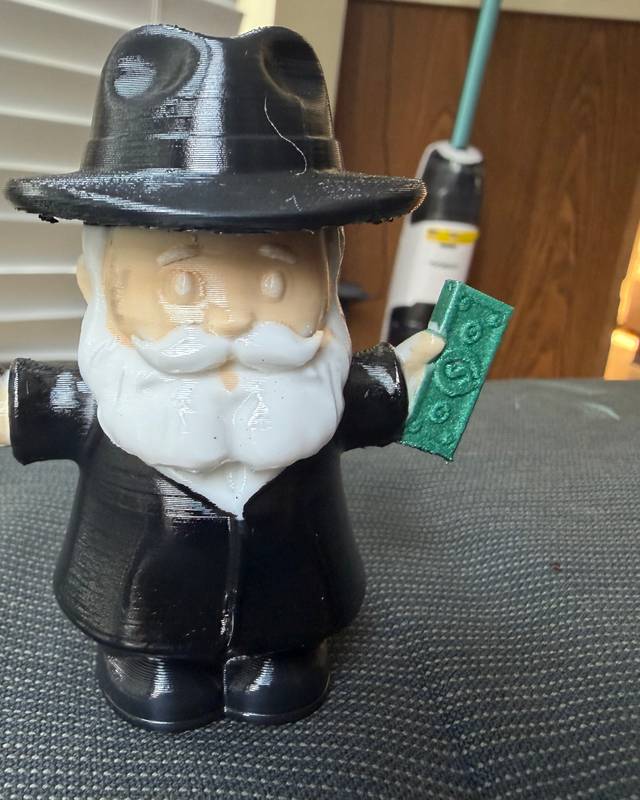
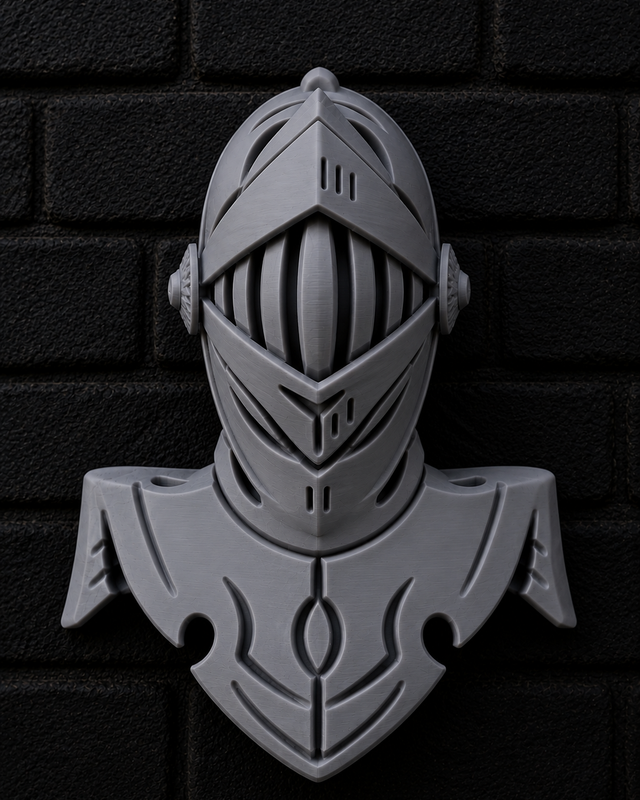
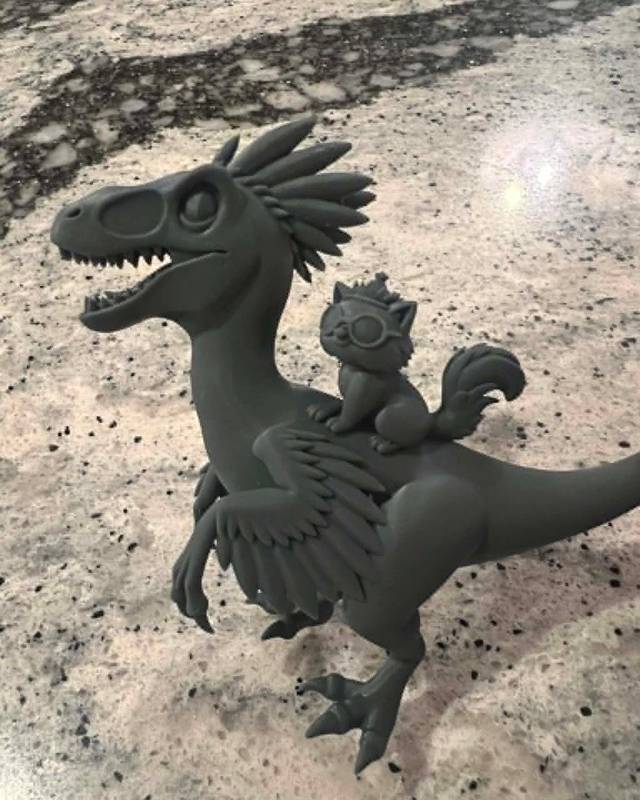
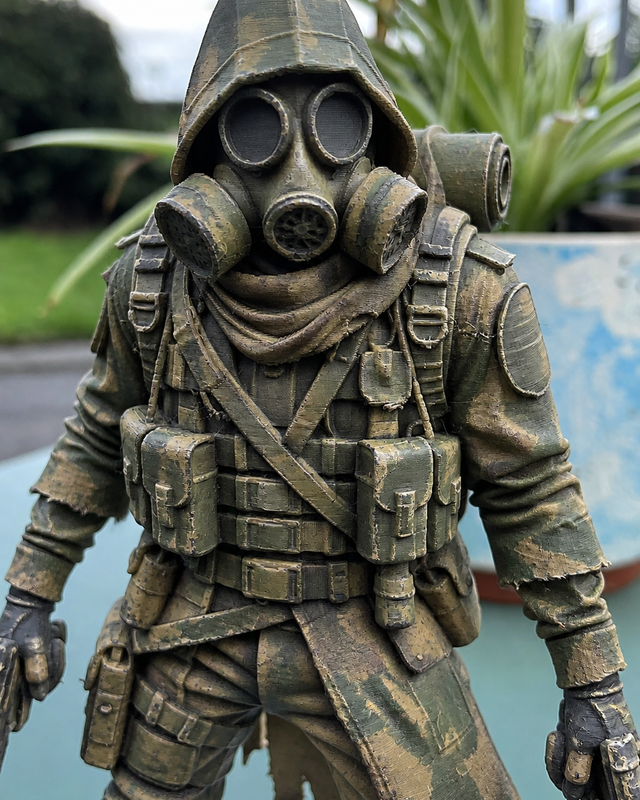
These all started as a photo
Real prints from Remeshy users. Each model was made from a single photo, then printed and shared in the community.
How to do it
Open Remeshy
Get the app for iPhone or Android, or go to remeshy.com in any browser. One ordinary photo is enough; you don’t need LiDAR.
Choose or take a photo
Pick Image to 3D and choose a photo, or take one. One object, all of it in the frame.
Check the preview
Remeshy shows you the model it’s going to make. Previews are free, so if it’s not right, try another photo.
Create the model
Tap Yes, Create 3D Model. Creating the full model needs a Remeshy subscription.
Export and print
Download the STL and open it in your slicer: Bambu Studio, OrcaSlicer, PrusaSlicer or Cura. The Android app also exports 3MF.
Photos that make better models
- One object, with nothing touching it.
- A plain background that contrasts with the object.
- Soft, even light. Harsh shadows can turn into bumps.
- Shoot from slightly above and to the side, so the depth shows.
- Fill the frame, but don’t crop off any part.
- Drawings work too: a clean sketch on white paper.
From one photo, the AI fills in the sides it can’t see. If the back matters, choose a photo that shows as much of the object as possible.
Photo to 3D, scanning or sculpting?
| Method | You need | Good for | Size |
|---|---|---|---|
| Photo to 3D (Remeshy) | One photo or a sketch | Figurines, gifts, decorations, ideas | You set it in your slicer |
| Scanning (e.g. Polycam) | Many photos or LiDAR, and the object in front of you | Copying a real object | Close to real size |
| Sculpting (e.g. Nomad Sculpt) | Time and practice | Original characters | Whatever you make it |
On iPhone, Android and iPhone Duo
The Remeshy apps for iPhone and Android do the whole job, from taking the photo to exporting the STL, and tell you when your model is ready. The iPhone app runs on iOS 17 or later.
On iPhone Duo, take the photo with the phone closed, using the outer screen as the viewfinder, then open it to check the preview on the 7.6-inch inner screen, where detail is easier to judge. Remeshy is laid out for both screens and carries Apple’s Made for iPhone Duo label.
Questions people ask
Is there an app that turns a photo into a 3D model?
Yes. Remeshy turns a single photo into a printable 3D model on iPhone, Android or in any browser. Choose Image to 3D, pick a photo, check the free preview and create the model.
Is it free?
Previews are free. Creating the full, printable model needs a Remeshy subscription.
Will the model be the right size?
Not automatically. A single photo has no scale, so set the size you want in your slicer before printing.
Can I use a drawing instead of a photo?
Yes. A clean sketch on plain paper works well. You can also skip the picture and describe the object in words with Text to 3D.
Which file formats can I export?
STL for 3D printing everywhere. The iPhone app also exports OBJ, GLB and USDZ, and the Android app exports 3MF.
Do I need a phone with LiDAR?
No. Remeshy works from an ordinary photo. Scanning apps like Polycam can use LiDAR when you need a model at real-world size.
Try it with a photo you already have
Pick a photo from your library and see a preview of the 3D model in Remeshy, free.