
3D printing apps for every step, from idea to finished print
Every 3D print goes through the same jobs: get a model, make sure it’s printable, slice it, send it to the printer and keep an eye on it. Here are the apps we’d use for each one, on your phone and your computer.
Printed by Remeshy users
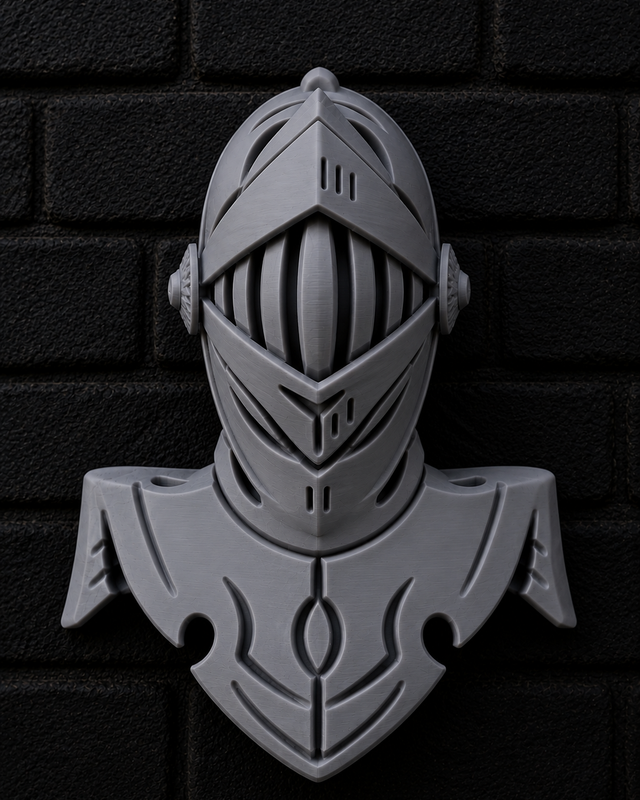
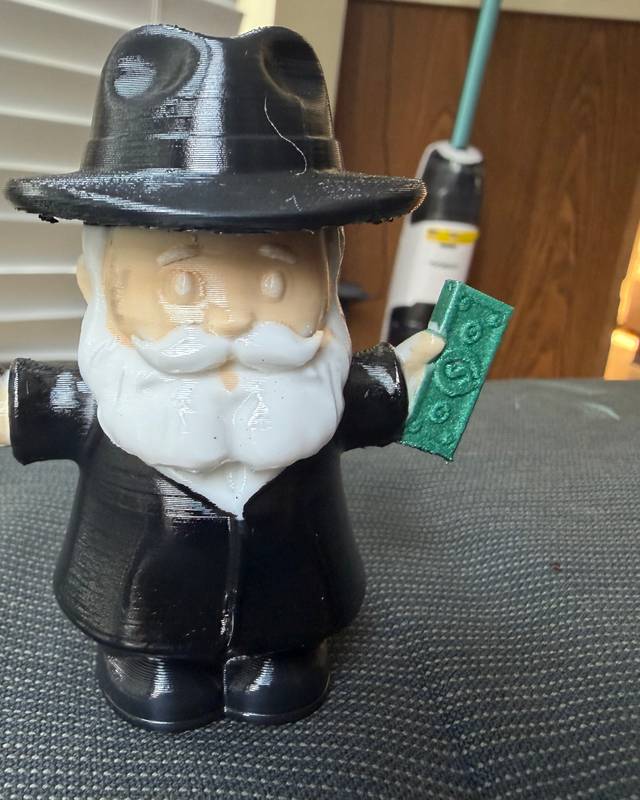
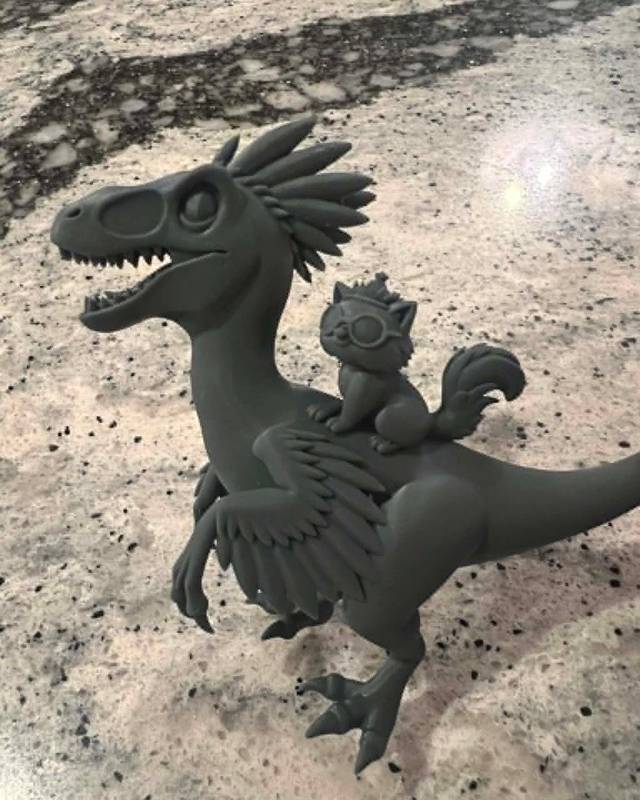
Each of these started in Remeshy as a photo or a sentence, then was printed and shared by someone in the community.
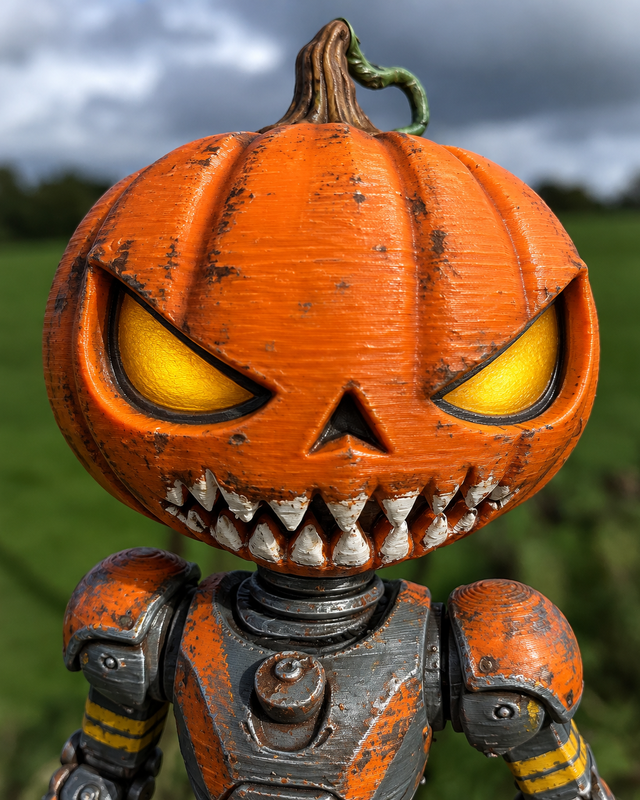
a creepy Halloween themed pumpkin head robot droidAnycubic Kobra X, PLASee it in 3D
Make a model
Start here if the thing you want to print doesn’t exist yet.
| App | Runs on | Price | Best for |
|---|---|---|---|
| Remeshy | iPhone, iPad, Android, any browser | Free previews; subscription to create | Turning a photo or a sentence into a printable model, no CAD skills needed |
| Tinkercad | Any browser | Free | Simple, exact shapes built from blocks: boxes, holes, name tags |
| Blender | Windows, Mac, Linux | Free | Detailed modelling and sculpting, if you have time to learn it |
| Nomad Sculpt | iPhone, iPad, Android | Paid | Sculpting by hand on a tablet or phone |
| Polycam | iPhone, iPad, Android | Free; Pro to export STL | Scanning a real object you want to copy |
Check and fix the file
Downloaded models sometimes have holes or broken surfaces that make a slicer complain. Fix them before you slice.
| App | Runs on | Price | Best for |
|---|---|---|---|
| Remeshy STL Repair | Any browser | Free | Fixing holes, non-manifold edges and flipped surfaces in STL, OBJ, GLB or PLY files |
| Your slicer | Windows, Mac, Linux | Free | Small problems; some repair features only work on Windows |
Slice it
A slicer turns a model into the instructions your printer follows. Use the one made for your printer, or a general one.
| App | Runs on | Price | Best for |
|---|---|---|---|
| Bambu Studio | Windows, Mac, Linux | Free | Bambu Lab printers |
| OrcaSlicer | Windows, Mac, Linux | Free, open source | Most FDM printers, with lots of fine-tuning |
| PrusaSlicer | Windows, Mac, Linux | Free, open source | Prusa printers and many others |
| UltiMaker Cura | Windows, Mac, Linux | Free, open source | Most FDM printers, with a huge list of printer profiles |
| CHITUBOX or Lychee Slicer | Windows, Mac, Linux | Free versions, paid upgrades | Resin printers |
Start and watch prints from your phone
| App | Runs on | Price | Best for |
|---|---|---|---|
| Bambu Handy | iPhone, Android | Free | Bambu Lab printers: live camera, notifications, printing from MakerWorld |
| Prusa | iPhone, Android | Free | Prusa printers through Prusa Connect, printing from Printables |
| Creality Cloud | iPhone, Android | Free; optional Premium | Creality printers, cloud slicing and a model library |
| OctoApp | iPhone, Android | Free; optional unlock | OctoPrint and Klipper setups, plus Bambu Lab and Elegoo printers |
Find free models
| Site | Where | Price | Best for |
|---|---|---|---|
| Remeshy community | Web and the Remeshy apps | Free | AI-made models, many with photos of real prints and their print settings |
| MakerWorld | Web and Bambu Handy | Free | A huge library with print profiles for Bambu Lab printers |
| Printables | Web and the Prusa app | Free | Well-documented models from the Prusa community |
| Thingiverse | Web | Free | The longest-running big library of printable designs |
Can you do it all from a phone?
Mostly, on iPhone or Android. You can make a model in Remeshy, find one on MakerWorld or Printables, and start and watch the print in your printer maker’s app. Creality Cloud can slice in the cloud, and Bambu Handy prints MakerWorld models with ready-made profiles, so with some printers you rarely need a computer.
For fine control over print settings, a desktop slicer is still easier. For phone-only picks, see the best 3D printing apps for iPhone and for Android.
Questions people ask
What app do you need for 3D printing?
At minimum, a slicer for your printer (Bambu Studio, OrcaSlicer, PrusaSlicer and Cura are all free) and a model to print. Download models from MakerWorld, Printables or Thingiverse, or make your own with Remeshy or Tinkercad.
What is the best free 3D printing app?
For slicing, OrcaSlicer, PrusaSlicer and Cura are free and open source, and Bambu Studio is free for Bambu Lab printers. For designing, Tinkercad is free and runs in a browser. Remeshy’s STL repair is free, and its previews are free before you create a model.
Can I 3D print from my phone?
Yes, on iPhone or Android, if your printer has an app: Bambu Handy, Prusa, Creality Cloud and OctoApp all start and watch prints from a phone. To print your own design, make or download an STL, then send it with the app or your slicer.
Which app turns a photo into a 3D model?
Remeshy makes a printable model from a single photo or sketch, on iPhone, Android or in a browser. Polycam builds one from many photos or a LiDAR scan, which is better when the size has to match a real object. More in photo to 3D model apps.
Which app makes STL files?
Remeshy makes STL files from a sentence or a photo; Tinkercad and Blender export STL from your own designs; Nomad Sculpt exports STL from sculpts. More in STL maker apps.
Make your first model
Describe something or snap a photo, and see a preview of the model before you pay a thing.