
Make STL files from a sentence or a photo, no CAD needed
Remeshy is an STL maker app for people who’d rather describe a thing than model it. Type what you want or upload a photo, check the preview, and download a print-ready STL. It runs on iPhone, iPad, Android and in any browser.
Made in Remeshy, printed by the community
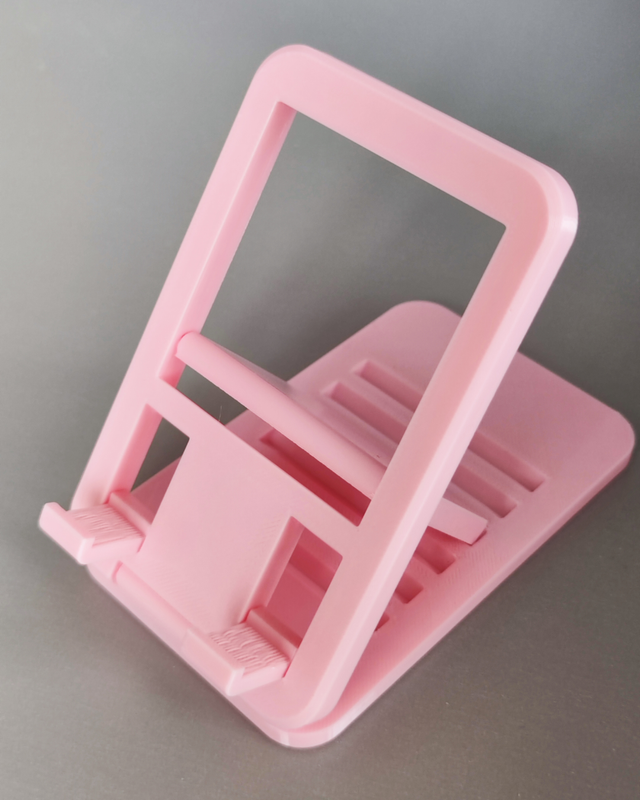
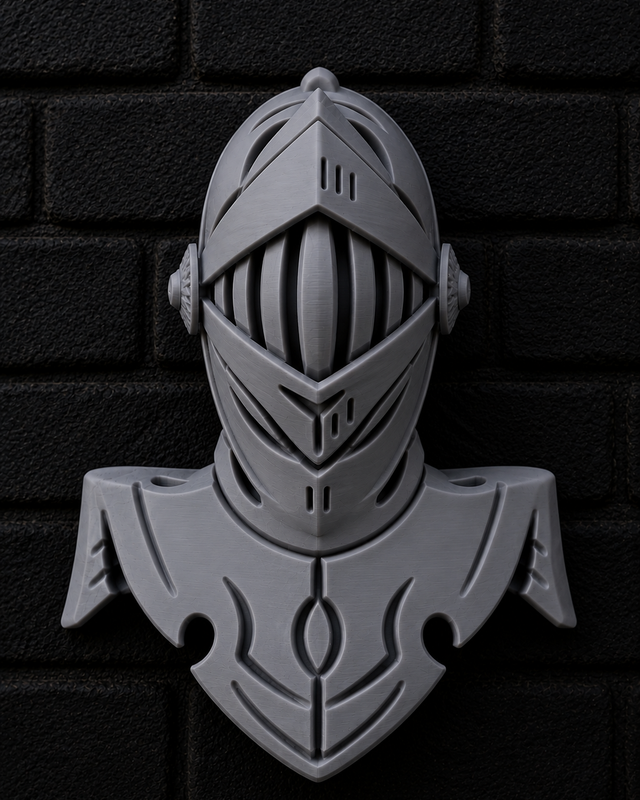
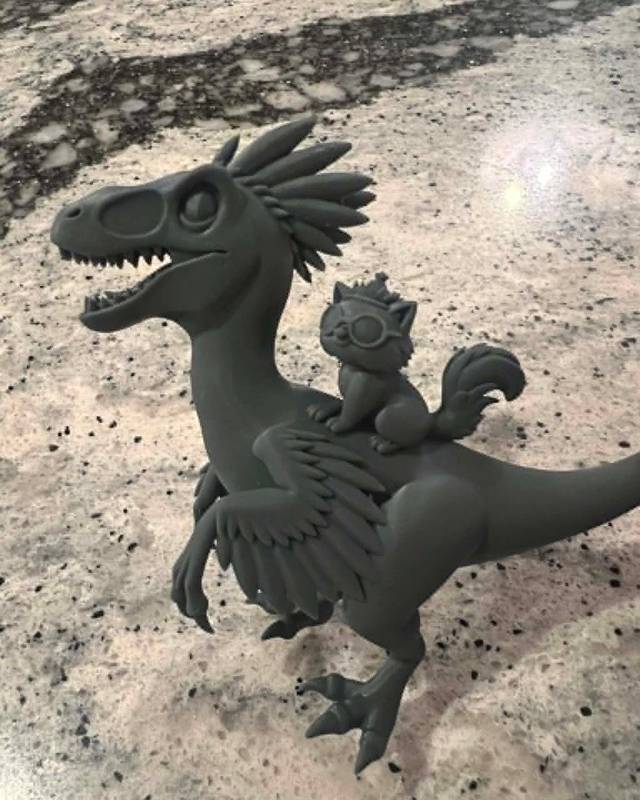
The pumpkin droid came from the one-line prompt under it. The others started as photos.
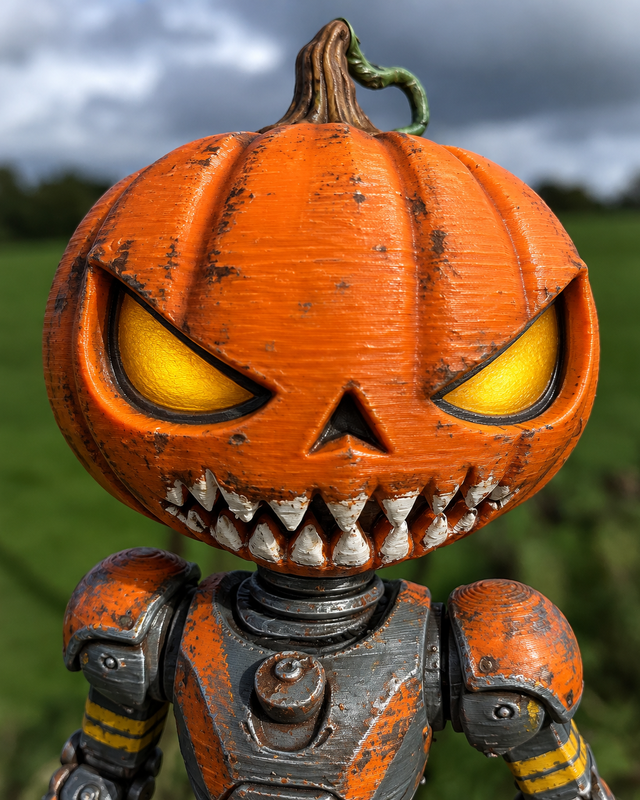
a creepy Halloween themed pumpkin head robot droidAnycubic Kobra X, PLASee it in 3D
How to make an STL
Describe it or show it
Choose Text to 3D and type what you want, or Image to 3D and upload a photo or sketch.
Check the preview
You see a preview of the model first, free. Change the words or the photo until it looks right.
Create the model
Tap Yes, Create 3D Model. Creating the full model needs a Remeshy subscription.
Download the STL
Every model comes out watertight, with its surfaces fixed so slicers accept it. The Android app also exports 3MF.
Size it and slice it
Set the size you want in your slicer, then print.
Writing a prompt that prints well
One object
Describe a single thing. “A fox sitting on a stack of books” works better than a whole scene.
Say the style
Words like “cartoon”, “realistic”, “chunky” or “low detail” change the result a lot.
Give it something to stand on
If it needs to stand up, ask for a base or flat feet.
Avoid hair-thin parts
Very thin swords, antennae or tails break or need lots of supports. Ask for them thicker, or leave them out.
Size comes later
A prompt doesn’t set the size. Scale the model in your slicer.
Use a photo for a specific thing
If you want your dog or your mug, a photo beats a description.
Which STL maker fits the job?
| App | How you make it | Best for | Skill needed |
|---|---|---|---|
| Remeshy | Describe it or upload a photo | Figurines, gifts, decorations, characters | None |
| Tinkercad | Build it from simple blocks in a browser | Exact simple parts: boxes, brackets, name tags | A little |
| Fusion or Onshape | Draw precise parts with measurements | Parts that must fit something exactly | A lot |
| Blender or Nomad Sculpt | Model or sculpt it by hand | Detailed original art | A lot |
Fusion and Onshape both have free plans for hobby use; check their terms.
What makes an STL printable
An STL is a list of triangles that describes a surface. To print well, that surface has to be closed with no holes (watertight), every edge has to join exactly two triangles (manifold), and every face has to point outwards.
Remeshy makes its models that way automatically. If a slicer complains about an STL you got somewhere else, run it through the free STL repair tool.
Questions people ask
What is an STL maker app?
An app that creates STL files, the 3D model format that slicers and 3D printers use. Remeshy makes them from a description or a photo; CAD and sculpting apps make them from shapes you build yourself.
Can I make an STL file on my phone?
Yes. The Remeshy app makes STL files on iPhone, iPad and Android, and remeshy.com works in any phone browser.
Is it free?
Previews are free. Creating the full model needs a Remeshy subscription. The STL repair tool is free.
Are AI-made STL files printable?
Remeshy’s are: every model comes out watertight and manifold. Like any model, it may still need supports under overhangs, which your slicer adds.
How do I set the size of the STL?
In your slicer. Scale the model to the height or width you want before slicing.
Can I edit the STL afterwards?
Yes. Open it in Blender, Tinkercad or Nomad Sculpt to change it.
Make your first STL
Type an idea or pick a photo, and see the preview before you pay a thing.