
Image to STL: turn a photo into a 3D model you can print
Upload a photo of a toy, a pet, a person or an object, and Remeshy builds a full 3D model from it, ready for your slicer. You see a free preview first.
From one picture to a real print
Real prints shared by Remeshy users. The small picture in the corner of each is what its model was made from.
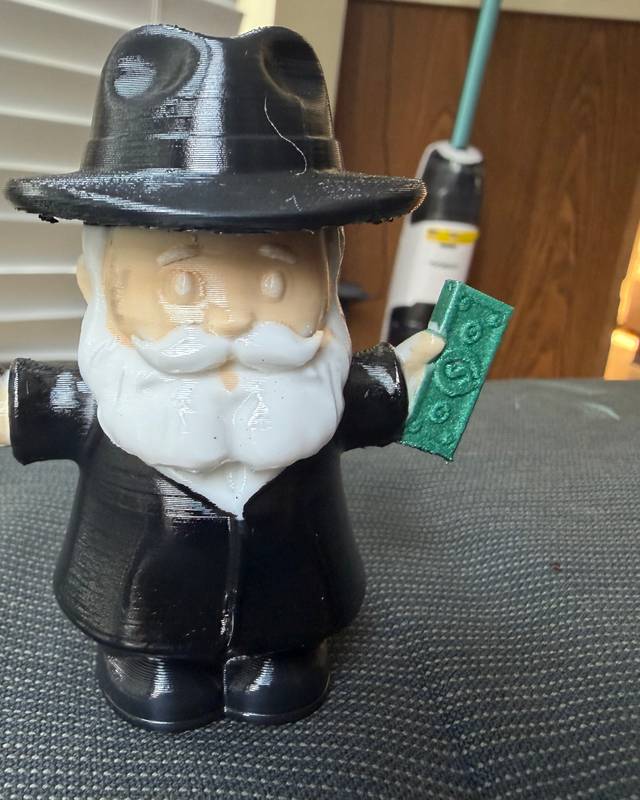

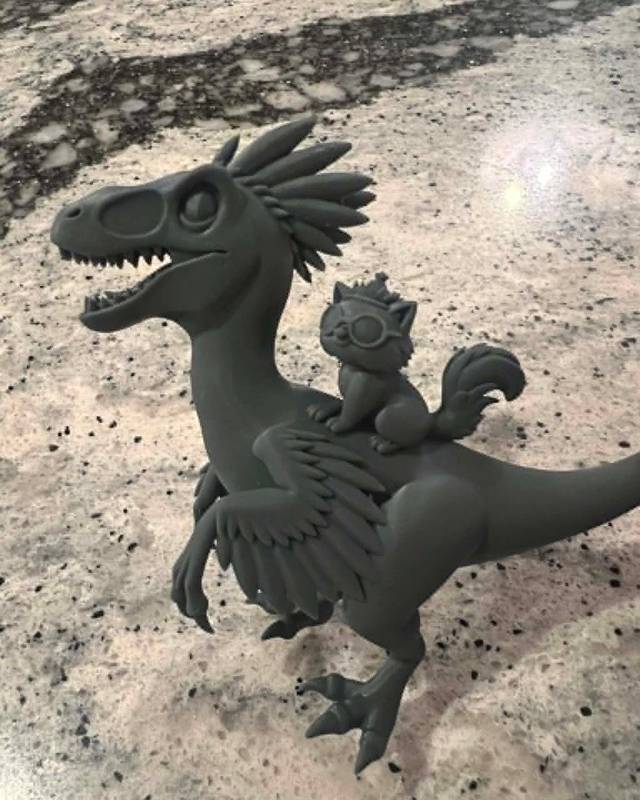

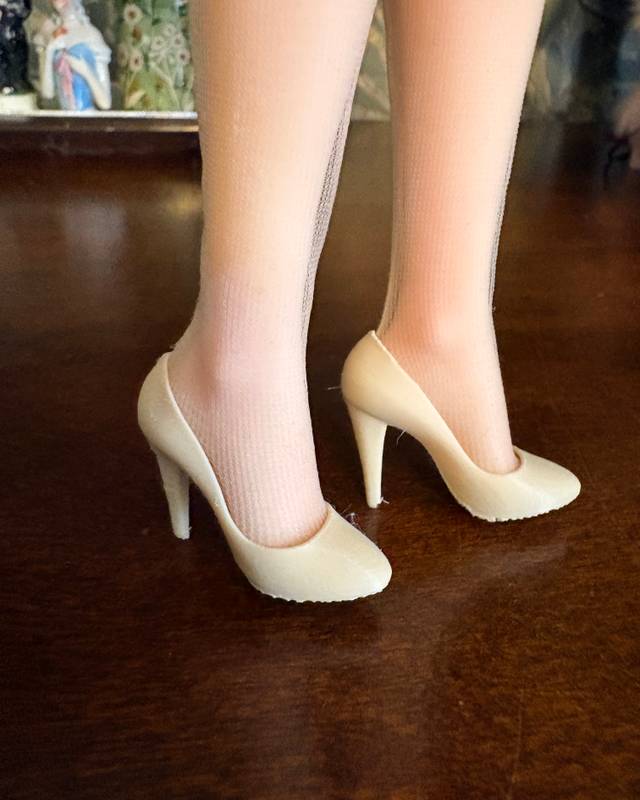
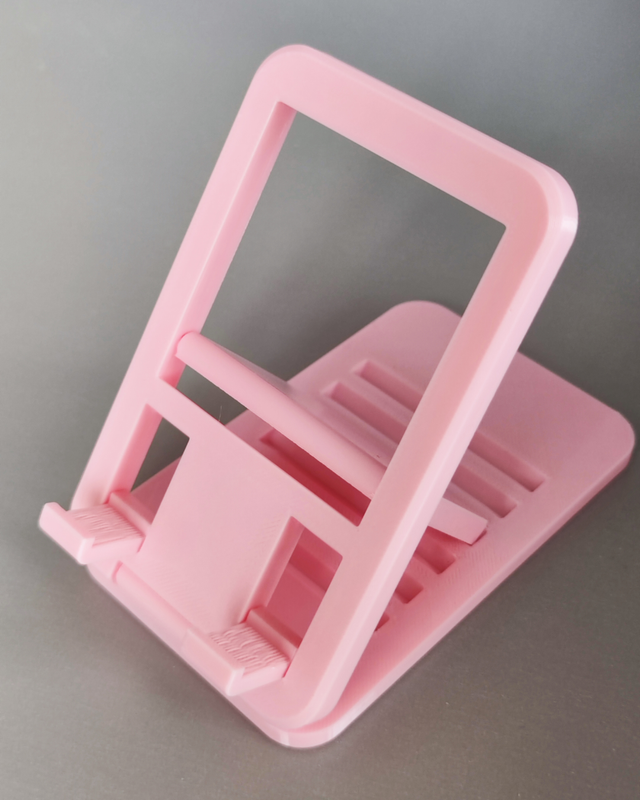
More models made from a picture
Made by the Remeshy community and shared publicly. Open any of them in 3D.


How to convert an image to STL
Add your photo
Drop it in the box at the top of this page, or pick one from your phone. One object, all of it in the frame.
Choose how it should look
Leave the description empty for a printable of the photo as it is, tap an idea such as Chibi or With a base, or describe it in your own words.
Check the free preview
You see a picture of the model before anything is made. If it’s not right, tap another style under it or change your words.
Create the model
Tap Yes, Create 3D Model. Creating the full model needs a Remeshy subscription; on the website it starts with a 3-day free trial.
Download the STL and print
The model comes out watertight, with its surfaces fixed so slicers accept it. Set the size in your slicer, because a photo has no scale.
A full 3D model or a flat relief?
Most image to STL converters make a height map: a flat plate where the lighter parts of the picture stand higher. Remeshy builds a full 3D object instead. Each is right for different jobs.
| Height-map converter | Remeshy | |
|---|---|---|
| What comes out | A flat plate with the picture raised on it | A 3D object you can turn all the way round |
| Best for | Lithophanes, signs, logos and stamps | Figurines, toys, pets, statues and decorations |
| The back | Flat | Shaped too: the AI fills in the sides the photo doesn’t show |
| A photo of a person becomes | A raised portrait on a plate | A standing figurine |
Want a lithophane or a raised logo? A height-map converter is the right tool. For anything that stands on a shelf, you want a full model.
Images that convert well
- One object, with nothing else touching it.
- The whole thing in the frame, nothing cut off at the edges.
- A plain background in a different colour from the object.
- Daylight or soft, even light. Hard shadows can come out as bumps.
- Taken from slightly above and to one side, so the depth shows.
- Drawings and renders work too, as long as the lines are clean.
From one photo, the AI fills in the back. If the back matters, use the photo that shows the most of the object.
Before you print
Set the size
Scale the model to the height you want in your slicer. 8–15 cm suits most figurines.
Add supports
Parts that stick out, like arms, ears or a tail, need supports underneath. Tree supports come off more easily.
Pick a layer height
0.12–0.16 mm keeps faces and fine detail. 0.2 mm is fine for bigger, simpler objects.
Open it anywhere
The STL opens in Bambu Studio, OrcaSlicer, PrusaSlicer, Cura and resin slicers like Lychee and Chitubox.
Questions people ask
Can I convert an image to STL for free?
You can see a preview of the 3D model free. Creating the model and downloading the STL needs a Remeshy subscription; on the website it starts with a 3-day free trial.
Does it make a flat relief or a full 3D model?
A full 3D model. Remeshy works out the shape of the object in the photo and fills in the sides it can’t see. For a flat lithophane or a raised sign, use a height-map converter instead.
What kind of image works best?
One object, all of it in the frame, on a plain background, in soft light. Drawings and renders work too.
Is the STL ready to print?
Yes. Every model is made watertight and its surfaces are fixed so slicers accept it. You set the size in your slicer.
Which file formats can I download?
STL for 3D printing everywhere. The iPhone app also exports OBJ, GLB and USDZ, and the Android app exports 3MF.
Can I do it on my phone?
Yes. Use the box at the top of this page in your phone’s browser, or the Remeshy app for iPhone or Android, which can take the photo too.
Turn your photo into an STL
Pick a photo and see a free preview of the 3D model, usually in under a minute.