
How to open STL and 3MF files on iPhone and iPad
Open a 3D model on your iPhone or iPad in Safari, with no app to install: see it in 3D with its size in millimetres, then save it as STL or 3MF for your printer.
Open an STL on your iPhone
Open this page in Safari
Or any browser on your iPhone or iPad.
Tap Open an STL, 3MF or OBJ file
Then Choose File. Pick the model from Files: On My iPhone, iCloud Drive, Downloads or another drive.
Turn and zoom
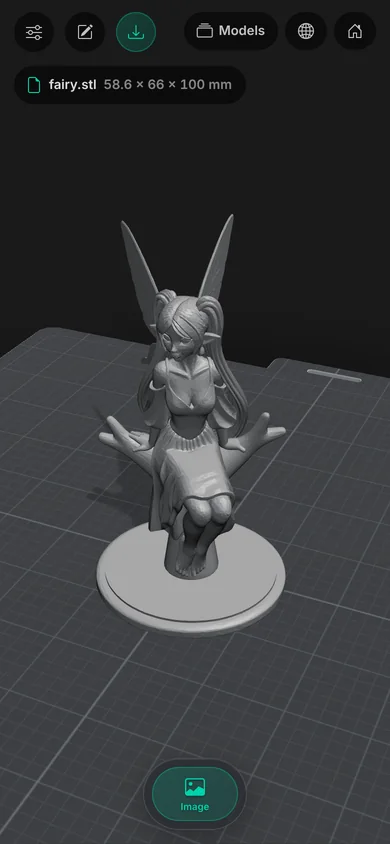
Drag with one finger to turn it, pinch to zoom, and drag with two fingers to move it.
Check the size
Tap the file’s name at the top for its size in millimetres, triangles and volume, and whether it has holes.
Save it
Tap Download for an STL or a 3MF. Safari saves it to Downloads in the Files app, ready to share with your printer’s app.
What you’ll see on your iPhone
Where your file might be
In Mail or Messages
Touch and hold the attachment, tap Save to Files, then open it from Files here.
Downloaded in Safari
It’s in Files, in the Downloads folder.
On iCloud Drive or another drive
Choose File shows your drives too, under Browse.
Sent by AirDrop
It goes to Files, in Downloads, unless you chose another place.
On iPad
It works the same on iPad. With a trackpad or mouse you can also drag a file from the Files app onto the box at the top of this page.
Make your own models on iPhone
Remeshy for iPhone turns a photo or a few words into a 3D model, ready to print. See the best 3D printing apps for iPhone for how it compares.
No STL yet? Make one
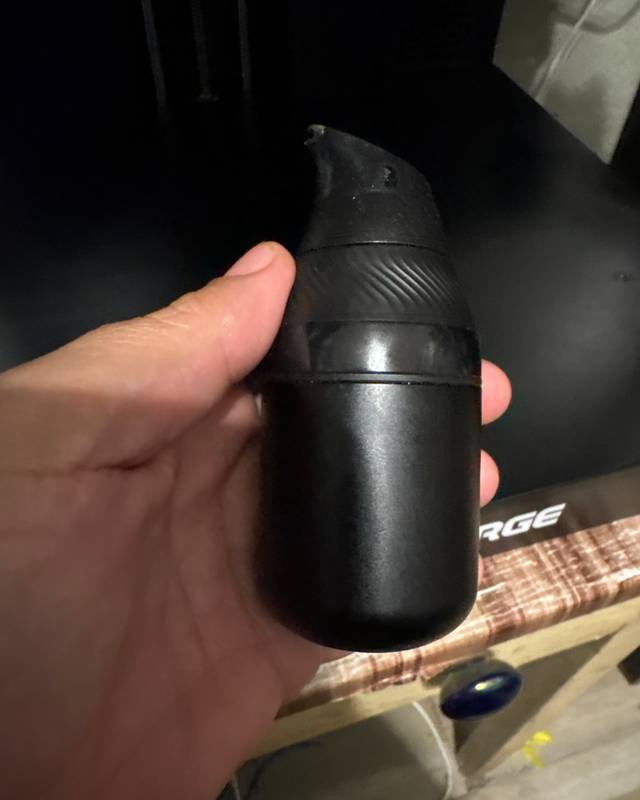
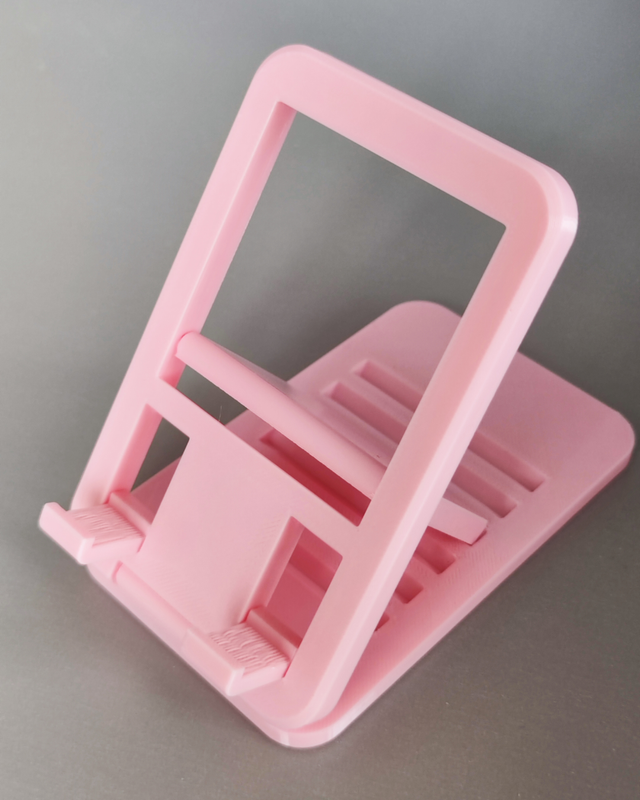
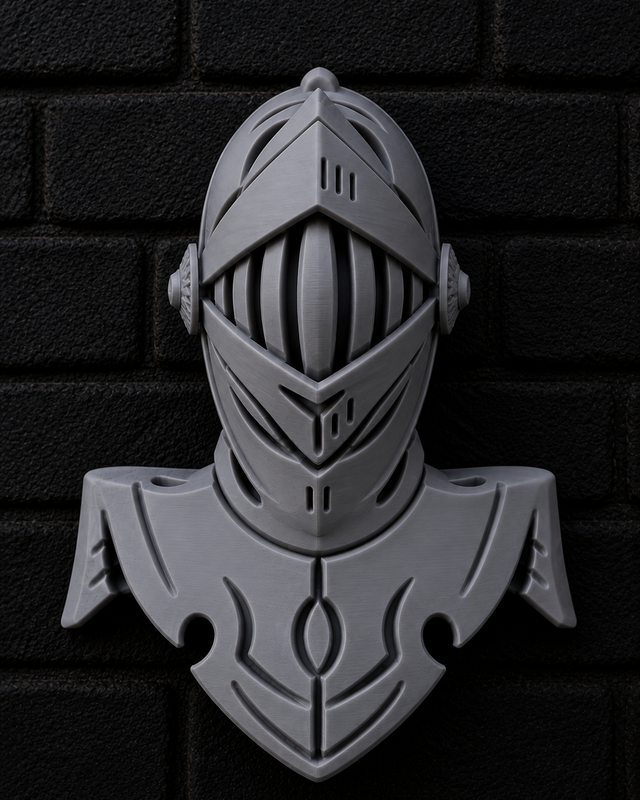
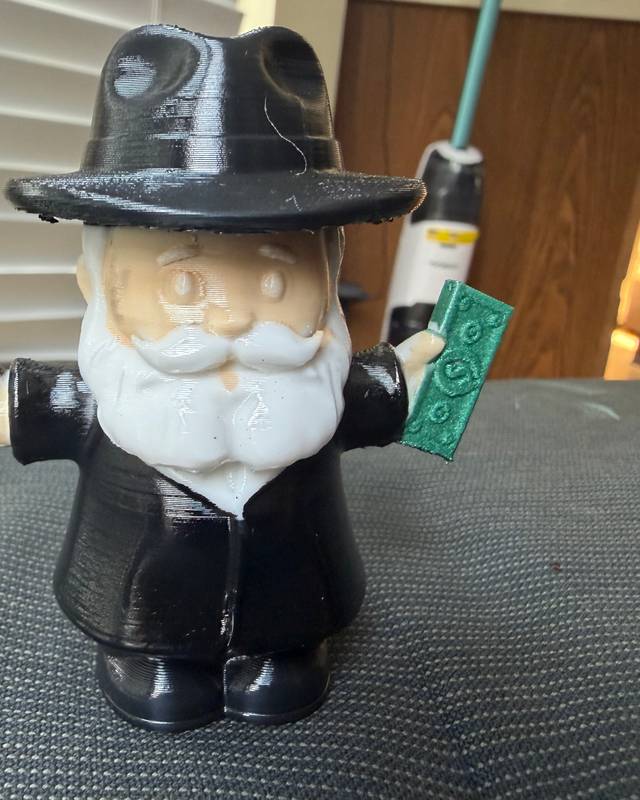
Real prints by Remeshy users. Each model started as a photo or a few words, made in Remeshy.


Questions people ask
Can an iPhone open STL files?
Yes, in Safari: open this page, tap Open an STL, 3MF or OBJ file and choose it from Files. It shows the model in 3D with its size.
Do I need an app to open STL files on iPhone?
No. The viewer runs in Safari. Nothing is installed and the file isn’t uploaded.
Can I open 3MF files on iPhone?
Yes, the same way. It shows every object on every plate, at its real size.
How do I open an STL from an email?
Touch and hold the attachment, tap Save to Files, then open it on this page.
Can I convert STL to 3MF on iPhone?
Yes. Open the STL, tap Download and choose 3MF. It’s saved to Downloads in Files.
Does it work on iPad?
Yes, the same way, and you can drag a file onto the page with a trackpad or mouse.
Make a 3D model on your iPhone
Remeshy turns a photo or a few words into a model you can print.