
Free online 3MF viewer
Open a 3MF project or model in your browser and see what’s in it: every object on every plate, at its real size. Save it as an STL in one tap. The file stays on your device.
What it shows you
- Every object on every plate, placed as they were in the slicer.
- The size in millimetres, whatever units the file was saved in.
- How many objects and triangles it holds, and its volume.
- Whether the mesh is closed or has holes.
- STL and OBJ files too.
What it looks like
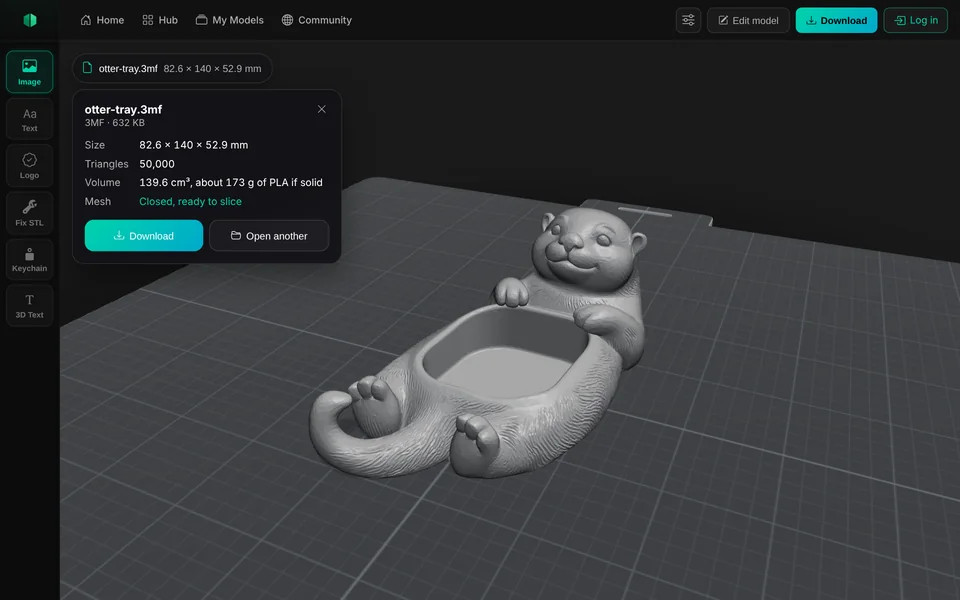
How to open a 3MF file online
Choose the 3MF
Tap Open an STL, 3MF or OBJ file at the top of this page and pick it from your phone or computer, or drag it onto the box.
Look around it
Drag to turn it, pinch or scroll to zoom. Tap the file’s name for its size, objects and triangles.
Download it
Tap Download for an STL or a 3MF of what you see, or the original file.
Convert 3MF to STL
Some printers, slicers and websites only take STL. Open the 3MF here, tap Download and choose STL: you get every object in one STL, in millimetres, the same size as in the 3MF.
An STL holds the shape only. Colours, painted supports, modifiers and print settings stay in the 3MF, so keep it for your slicer.
| Opens | 3MF from Bambu Studio, PrusaSlicer, OrcaSlicer, Cura and CAD programs, plus STL and OBJ |
|---|---|
| Shows | The shape in one colour, every object and plate, size in mm |
| Leaves out | Colours, textures and print settings |
| Saves as | STL, 3MF, or the file as you opened it |
| Largest file | 300 MB on a computer, 100 MB on a phone |
No STL yet? Make one
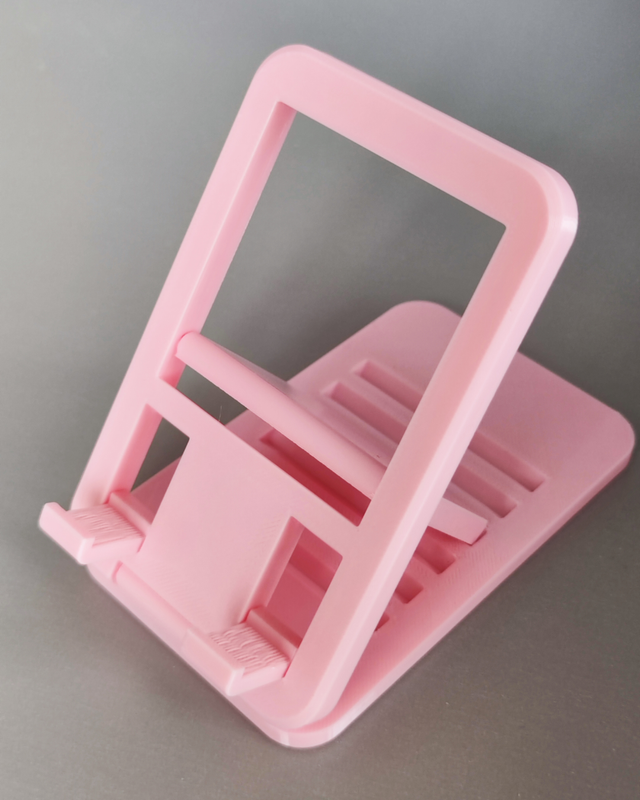
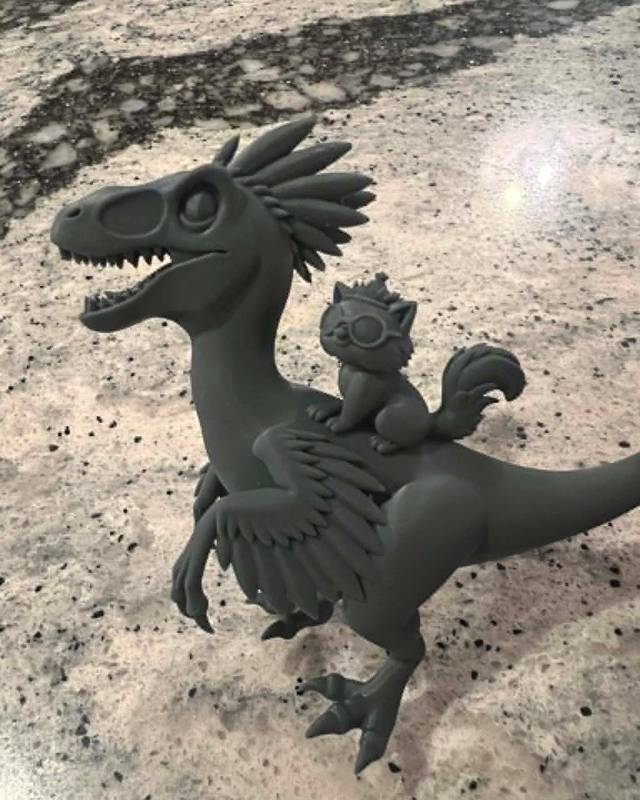
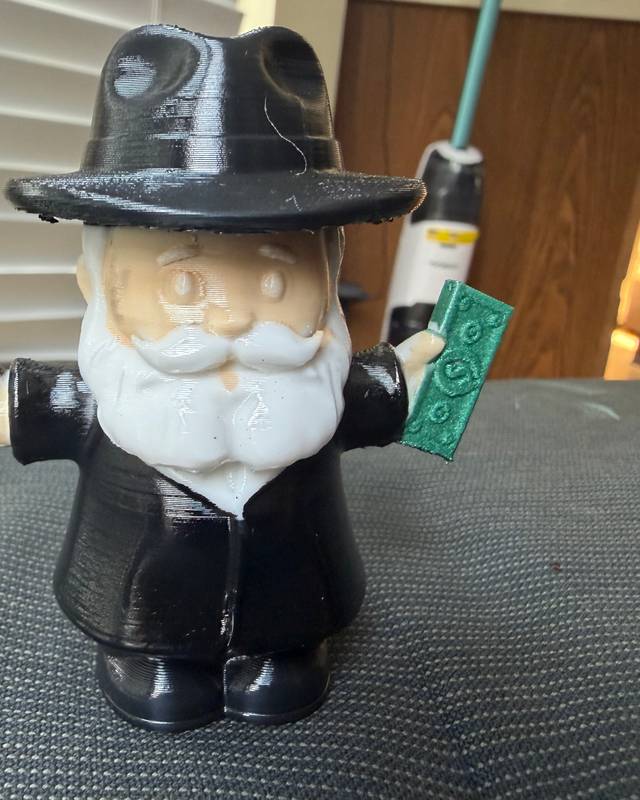
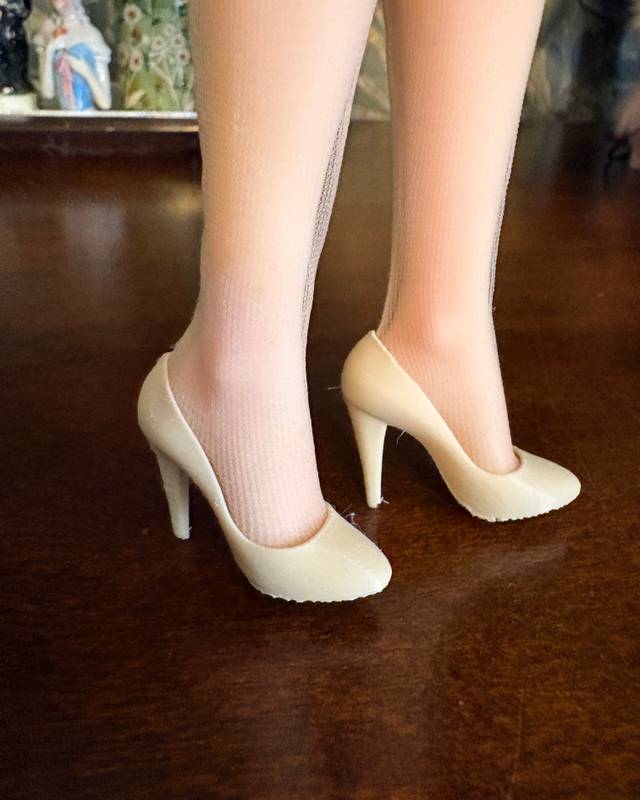
Real prints by Remeshy users. Each model started as a photo or a few words, made in Remeshy.



Questions people ask
What is a 3MF file?
A 3D Manufacturing Format file: a zip that holds one or more 3D models plus, from a slicer, their colours, plates and print settings. Bambu Studio, PrusaSlicer and OrcaSlicer save projects as 3MF.
Can I open a 3MF without Bambu Studio?
Yes. Open it on this page in any browser to see the models and their size. To print it with its settings, you still need a slicer.
Does it show the colours?
No. It shows the shape in one colour. The colours and print settings stay in the file for your slicer.
How do I convert a 3MF to STL?
Open the 3MF here, tap Download and choose STL. You get every object in one STL at the same size.
Is my file uploaded?
No. It opens in your browser and stays on your device.
Can I open 3MF files on my phone?
Yes, in Safari or Chrome. See opening STL and 3MF files on iPhone and the viewer for Android.
Make your own model to print
Remeshy also turns a photo or a few words into a 3D model, ready for your slicer.